 SPOTTER
How Spotter fits the way you train.
A closer look at logging, the Watch, your progress and training with friends — so you can tell whether it suits how you already work out.
Build and log your session.
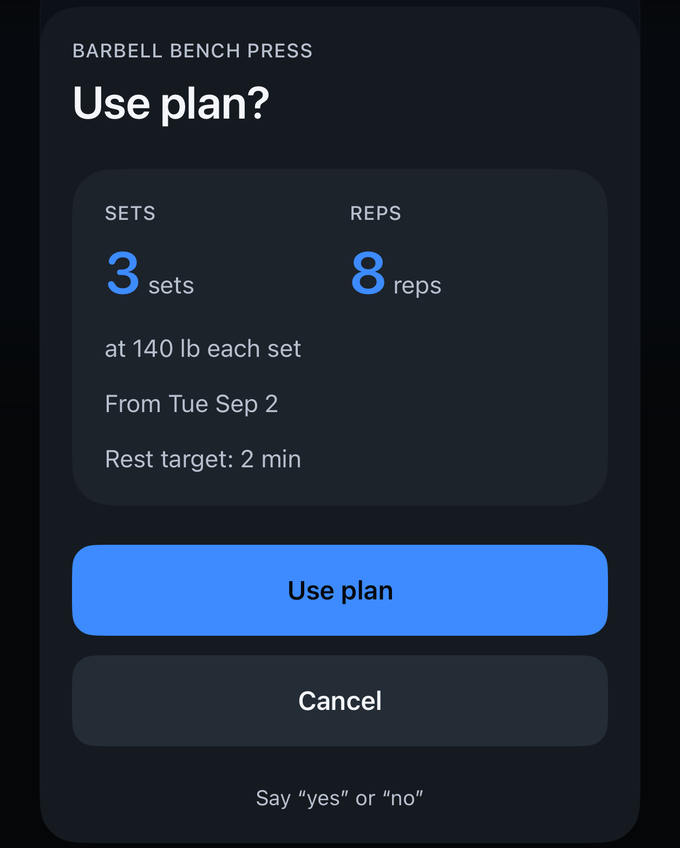
Arrive with a plan or build the session as you go. A plan sets your sets, reps and weight up front, with a rest target; skip it and every exercise still shows the next target and a rest timer.
Supersets keep two or more lifts moving together, and timed circuits run on the clock instead of the set count.
A set can be spoken or tapped, and both land in the same place. Before applying a proposed edit to a logged set, Spotter shows the current and proposed values for you to review and confirm.
Keep track while you train.
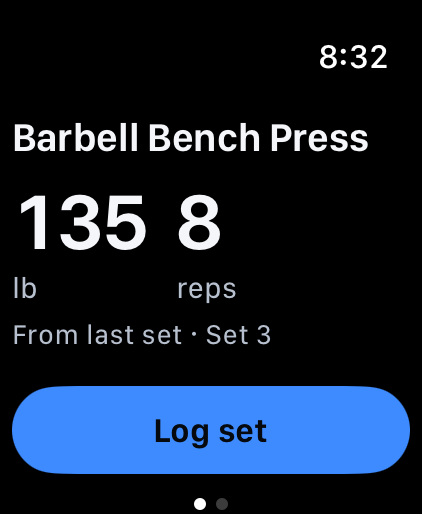
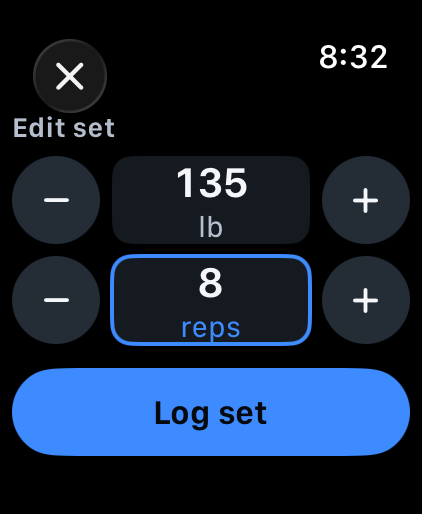
Your wrist shows the lift you are on and the target you are chasing. Log the set from there, or open it to adjust the weight and reps — each has its own controls — before you log it.
With your permission, Spotter can record heart-rate readings and estimated active calories during an Apple Watch workout.
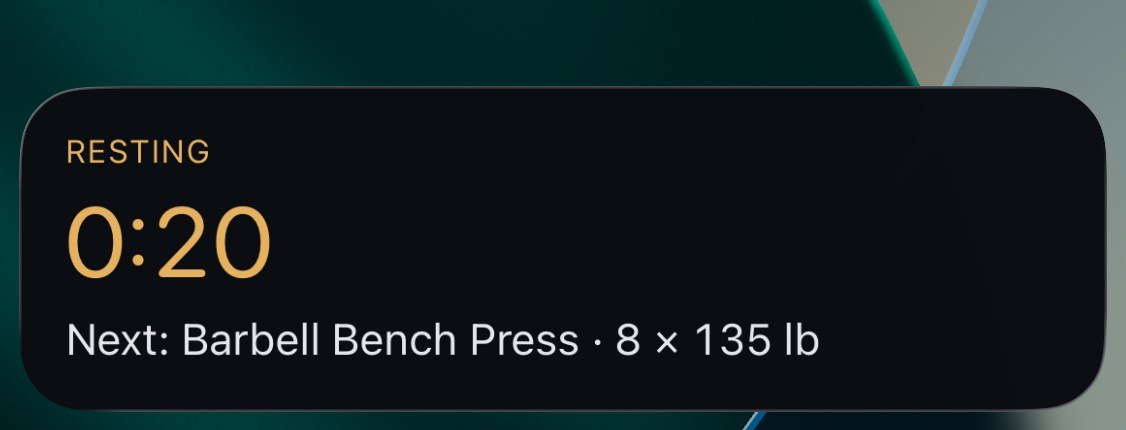
When a Spotter Live Activity is active, your lock screen can show your rest countdown and next set.
Spotter on Apple Watch works alongside the iPhone app.
Understand your training.
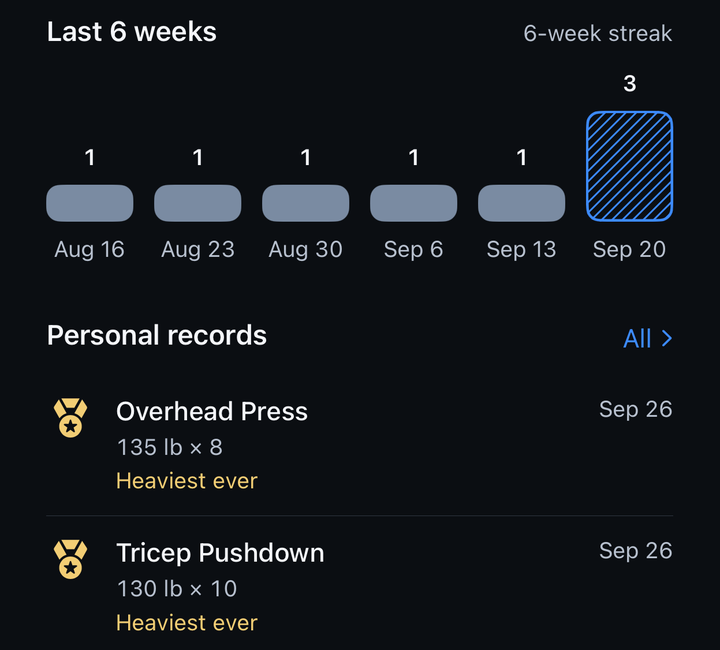
Review your logged workouts through weekly counts, streaks, volume and training time. Workouts per week and your streak show consistency. Volume is the total weight you moved; working sets and training time show how much of that was real work.
Personal records appear as you set them. An estimated one-rep max lets you compare strength across different rep ranges, and cardio sessions keep their own heart-rate and calorie charts.
Share on your terms.
Choose whether to share a workout summary with friends. League standings and challenge progress follow their own settings.
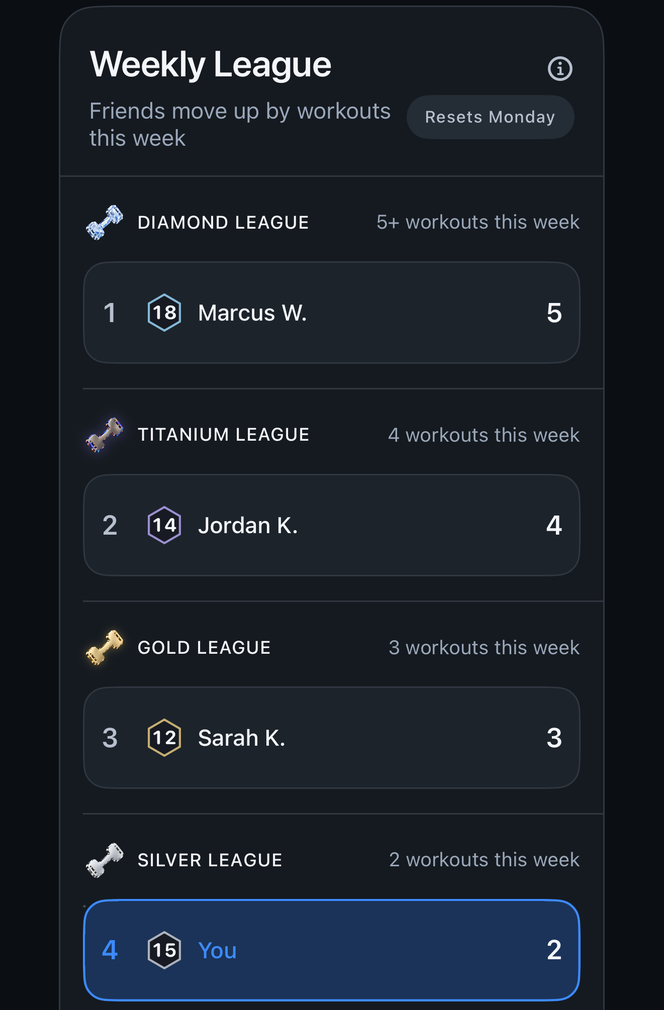
The weekly league ranks by how many workouts you complete, not how much you lift, so showing up is what moves you up. Group challenges give everyone one target to chase together.
Friends can cheer a shared workout, and you can see who did. Achievements mark the milestones along the way.
Friends, leagues and challenges need an account and use online services.
Earn medals you can turn in your hand.
Milestones become medals in five tiers: Bronze, Silver, Gold, Titanium and Diamond. Each one is a 3D medal you can spin and inspect.
Every medal you earn lives in your Trophy Hall, grouped so you can see what you have and what comes next. A new personal record gets its own gold moment when you finish the workout, not in the middle of a set.
Screenshot coming soon
Trophy Hall with medals in all five tiers
Everything new, in one place.
The Notifications Center collects reactions on your workouts, league results, challenge updates and medals you have earned, so nothing gets lost between sessions.
There is no messaging in Spotter: no comments, no direct messages and no photo uploads. Friends interact through reactions, leagues and challenges.
Screenshot coming soon
Notifications Center with cheer, league and medal items
Bring your history with you.
Coming from another workout app? Import your history from leading workout apps and your past workouts arrive in Spotter, so your records and trends start from where you left off.
Your data stays portable the other way too: export your workouts to a CSV file whenever you like.
Screenshot coming soon
Import screen and CSV export
Your history, and what stays yours.
-
Where your workouts live
On your iPhone. Optional cloud backup is free and lets you restore from your latest available backup on a replacement phone. It requires an account and is off until you turn it on; logging and tracking work without an account.
-
What an account adds
Optional cloud backup, friends, leagues and challenges. You can start account deletion in the app; see Delete your account for what is removed and what may be retained.
-
If someone is a problem
Block or report them from wherever you found them. A blocked person stops appearing in your feed, leagues and challenges.